 Kissa
KissaShare what is playing
Your listening room, on Discord.
Let a record or a study sitting say what you are up to. Kissa can put that small piece of your listening room on your Discord profile, when you choose to share it.
Get Kissa from Microsoft Store ↗Free · Windows 10 & 11
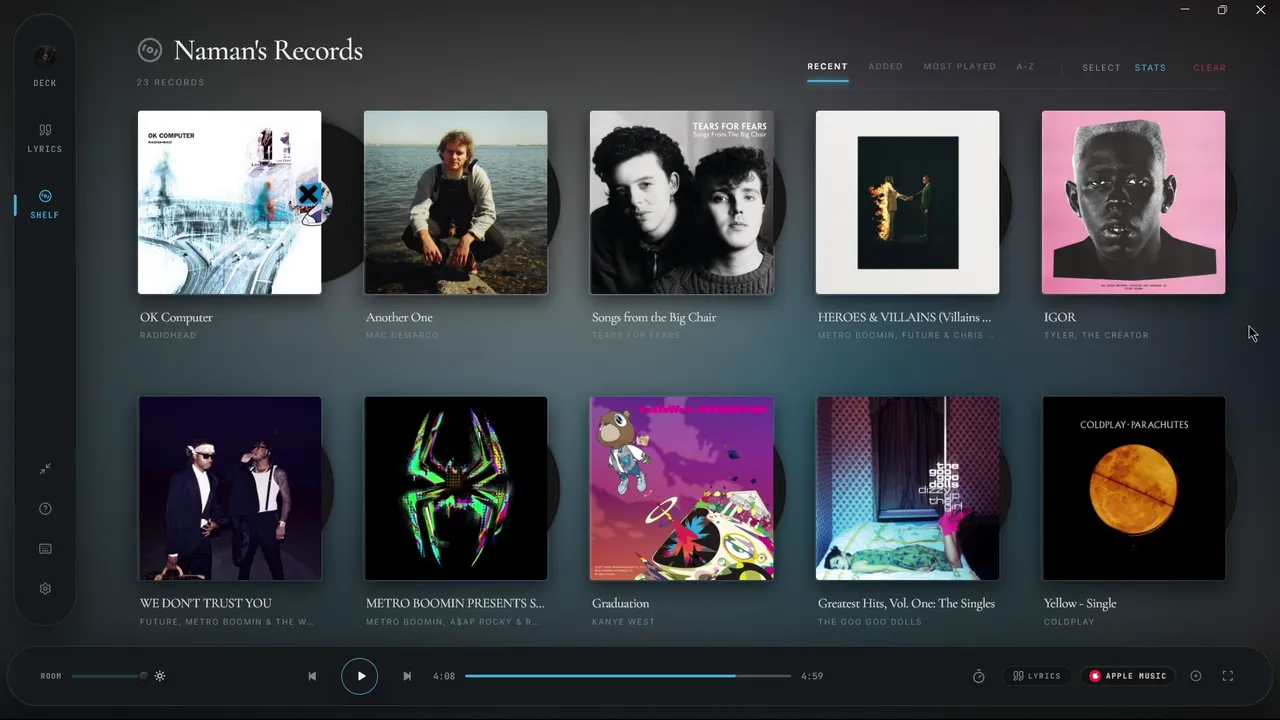
Apple Music, with an optional Spotify switch.
When sharing is enabled, Kissa can show Apple Music or iTunes playback in Discord. Spotify sharing has its own additional switch. Discord sharing does not cover every player that Kissa can display on the turntable.
The activity includes track details, album artwork when a public cover is available, a Kissa badge and a link to get the app. Artwork availability depends on the music catalogue; some recordings may show without a cover.
How to turn it on.
Open Discord and Kissa on your Windows PC. In Kissa, go to Settings, then System, then Sharing. Read the visibility explanation and enable Discord sharing. Turn on “Also share Spotify” if you want Spotify playback included.
Play a song in Apple Music or iTunes and give the activity a moment to update. Discord needs to allow activity to appear on your profile. If nothing appears, check its activity privacy settings and make sure its desktop app is running. You do not sign in to Discord through Kissa.
A study timer without your to-do list.
Study sharing can show which room you are in and the sitting or break timer. A supported music player can contribute the song to that status too.
Kissa never sends your study intention, task text, parked thoughts or reflection to Discord. You can turn Study Room sharing off separately in Settings.
Off until you choose it. Easy to stop.
Discord sharing is off by default. Turning it off clears Kissa’s activity. Music activity also clears on an unsupported source and after two minutes of paused playback.
The turntable, lyrics and Study Room work without Discord sharing. If you enable it, the shared details are visible according to your Discord profile and activity settings.