 Kissa
What’s new in Kissa 5.2.
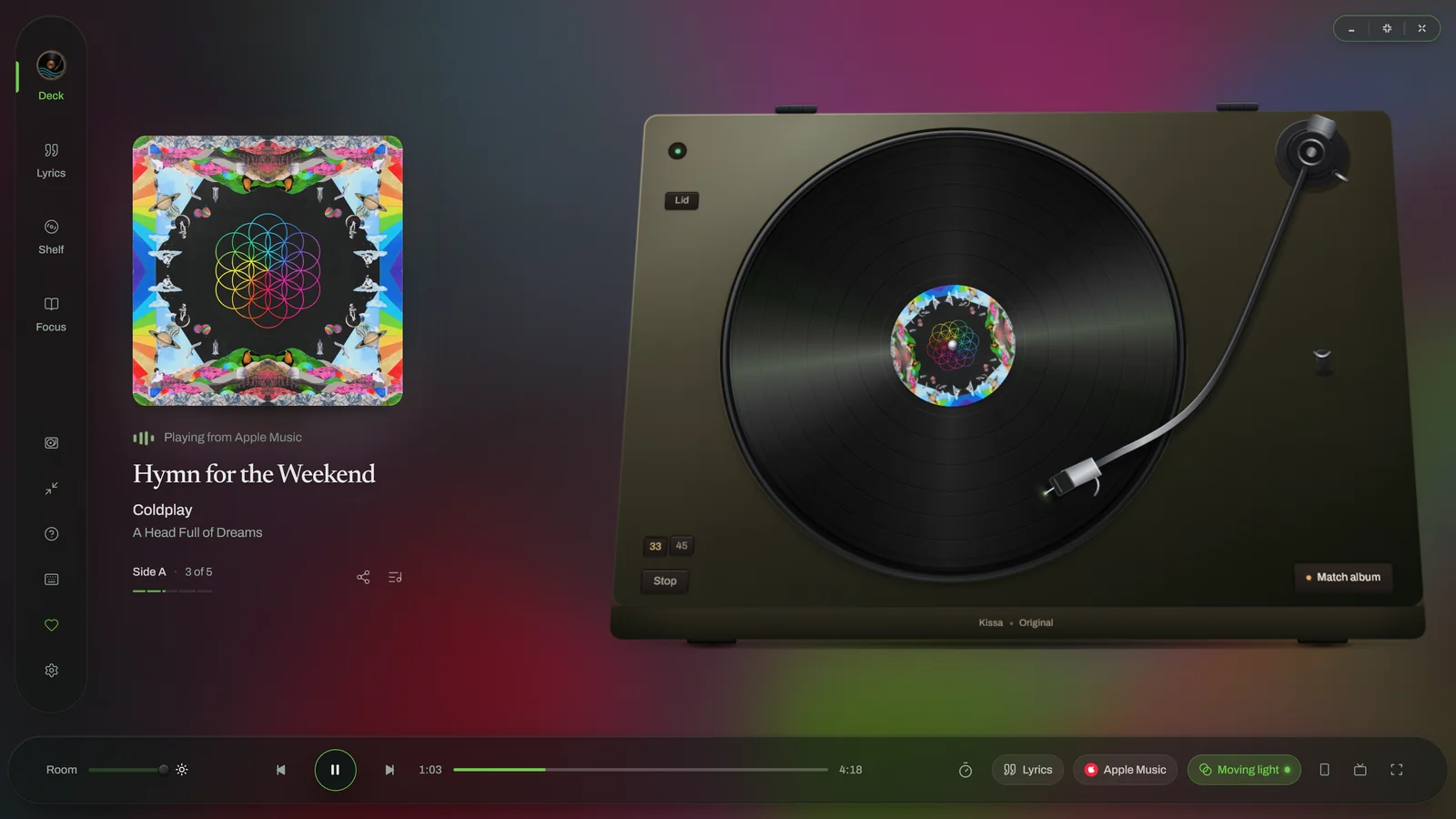
Kissa becomes a record player for your own music as well as a room for whatever you play elsewhere. Everything new is free, and it updates through the Microsoft Store.
Get Kissa from Microsoft StoreFree · Windows 10 & 11
Your own records.
Add the folders where your music lives and your albums line the Shelf under Your files, with new ones found as they arrive. Choose a single song, drop a folder onto Kissa, or right-click a file and choose Open with Kissa. Kissa plays MP3, FLAC, AAC, Ogg, Opus and WAV.
Gapless, crossfade and even loudness.
Albums play as pressed, with no gaps between tracks. Records from different albums crossfade, for up to 12 seconds, and ReplayGain from your files keeps one record from being louder than the next. Spotify, Apple Music and your browser play their own way.
One listening room.
Deck, Shelf, Lyrics, Focus and Sessions are places in one room, and moving between them is a short camera move. Settings opens in the middle of the room, lit by its colour, so you see each change land.
Sessions.
A page for every day you listen: the records that played, the albums you heard whole, the lines you kept, your Focus sittings and a note of your own. On this day brings back a month or a year ago. It all stays on your PC.
Find anything with Ctrl+K.
Records, rooms, days and actions in one search, from anywhere in the room.
A sleeve for every record.
Songs without cover art get a Kissa sleeve and a printed record label of their own, in colour. Pressed, the story of your month or year, is redesigned around the colours of your records.
Tell us what to make next.
Request a feature or report a bug from Settings, About, or from the links at the foot of this page. A bug report arrives with your Kissa and Windows versions filled in.